Author: Tim Weinzapfel
-

Pulling Multi-Page Website Data into Power BI with Power Query
When I was building a report for a Microsoft Data Challenge, I wanted to analyze Esports data over a 10-year timespan. I found a website, esportsearnings.com, that had what I…
-

Connecting Power BI to a SharePoint Document Library
In my previous post, I provided an explanation of how to connect Power BI to a SharePoint Document Library using the SharePoint Online List connector (version 1.0). In this follow-up,…
-
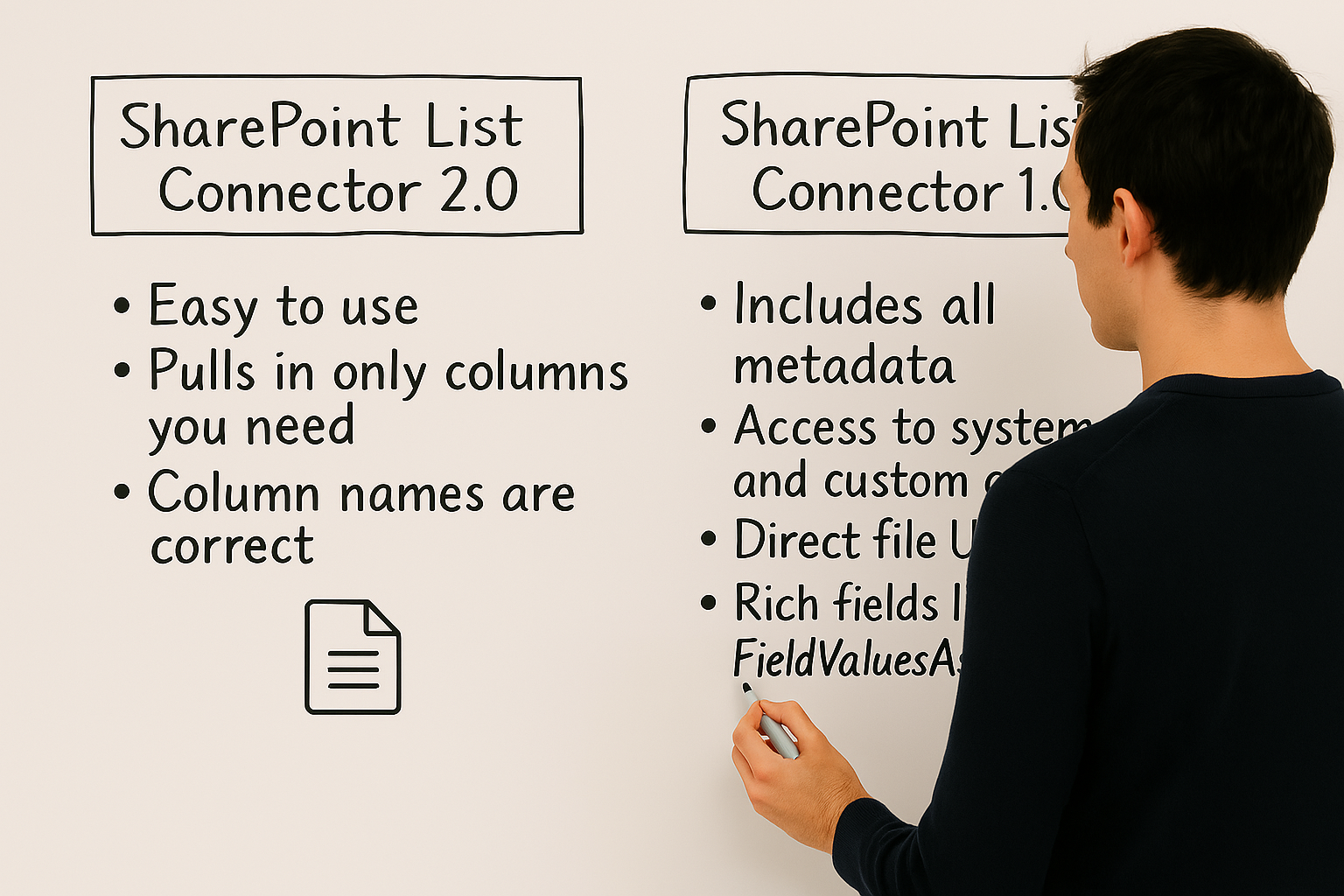
Power BI and SharePoint: When to Use the 1.0 Connector for Rich Metadata
In my previous post – available here – I discussed the different connection options with Power BI and SharePoint lists. I discussed the different options for connecting Power BI to…
-
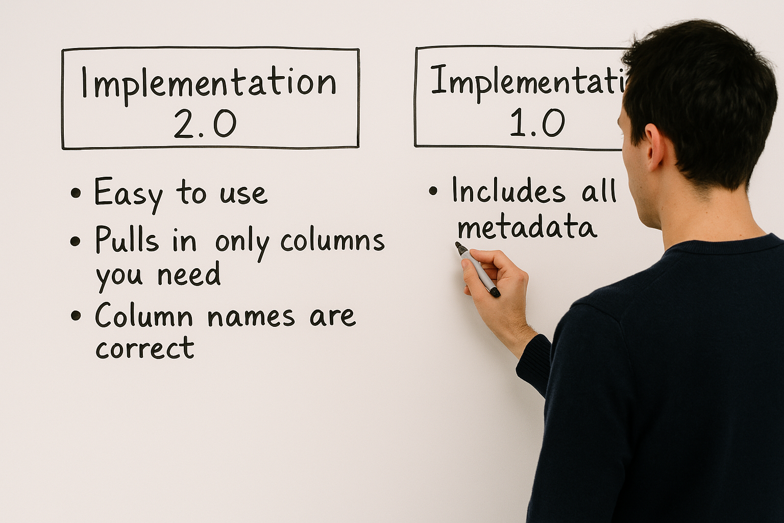
Using SharePoint Lists as a Power BI Data Source
SharePoint lists can be a popular data source for Power BI reports. However, when connecting to SharePoint lists, there are two options available. This article helps explain the differences. I…
-

Adding Users to Power BI Workspaces – Automatically
Managing Power BI workspaces often involves adding and removing users, which can become tedious if done manually. Fortunately, Power Automate can streamline this process. Scenario Overview Suppose you manage a…
-

Making Power BI More Accessible: Embedding in Microsoft Teams and SharePoint
You’ve created a fantastic Power BI report—now what? One common approach is to publish it to a Power BI workspace and share a direct link with your users. While this…
-

Overview of the Power Automate Button in Power BI
If you’re new to Power Automate or haven’t explored the Power Automate button in Power BI, this article is for you. Power BI includes a built-in Power Automate visual, allowing…
-

Exporting Data from Power BI to CSV (> 1,000 rows)
In my last post – available here – I showed how you can export Power BI data to a CSV file using an embedded Power Automate button on your report.…
-

Exporting Data from Power BI to CSV (under 1,000 rows)
Many Power BI report consumers want to export the data they see in a table or matrix to Excel or CSV for further analysis. Although Power BI’s native export feature…
-

Automatic Notifications of Successful Power BI Data Refreshes
When working with Power BI, it is common to schedule data refreshes regularly within Power BI Service. And, as a report/data owner you may want to be notified when this…